Contact Export Tool for Instagram
Export publicly visible Instagram profile fields to CSV for lawful, permission-based research, backup, and business record workflows.
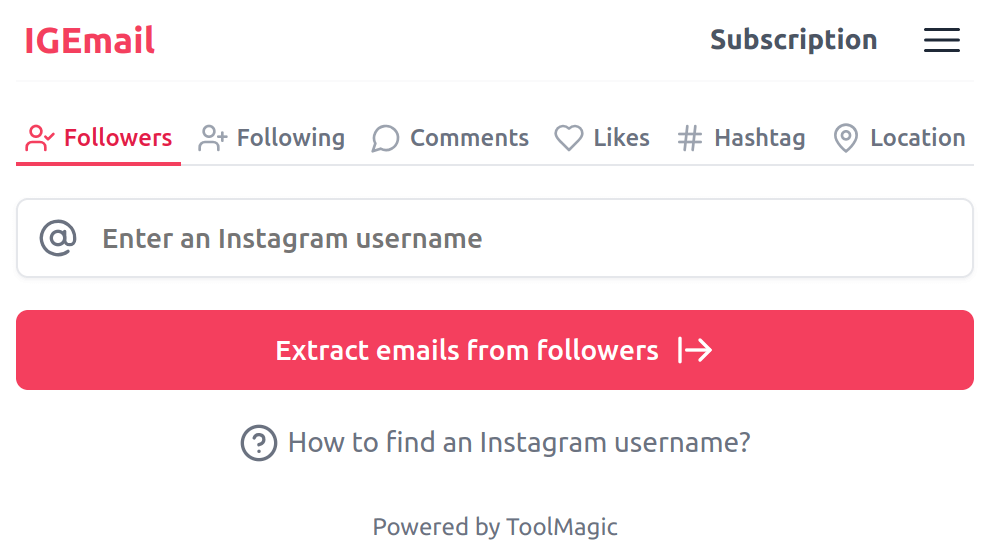
Export publicly visible Instagram profile data
With IEmail, you can review eligible Instagram profiles and save available public fields, including business contact fields when shown by the profile, into a CSV or Excel file. Available fields depend on profile visibility, access permissions, and Instagram availability.
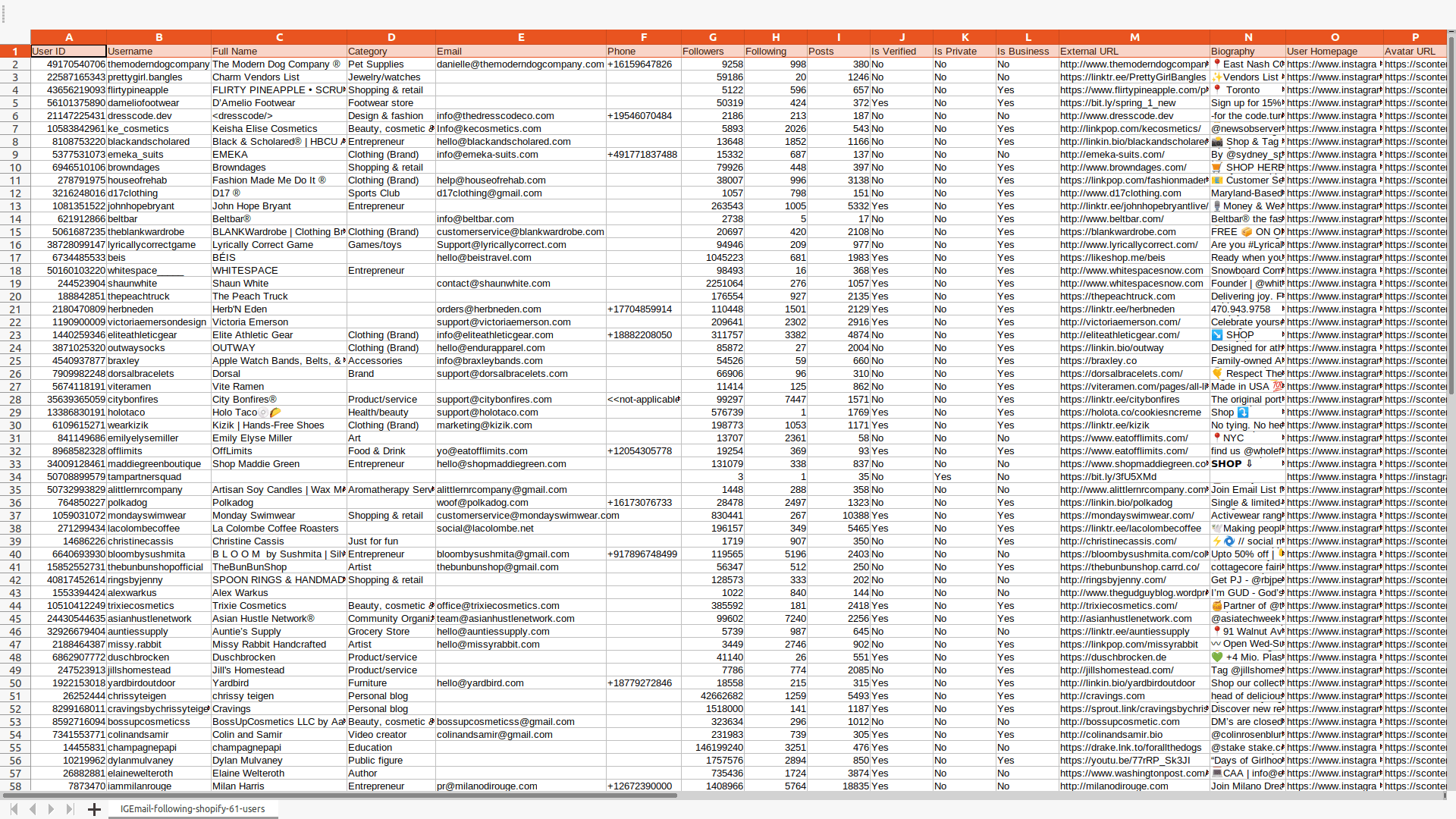
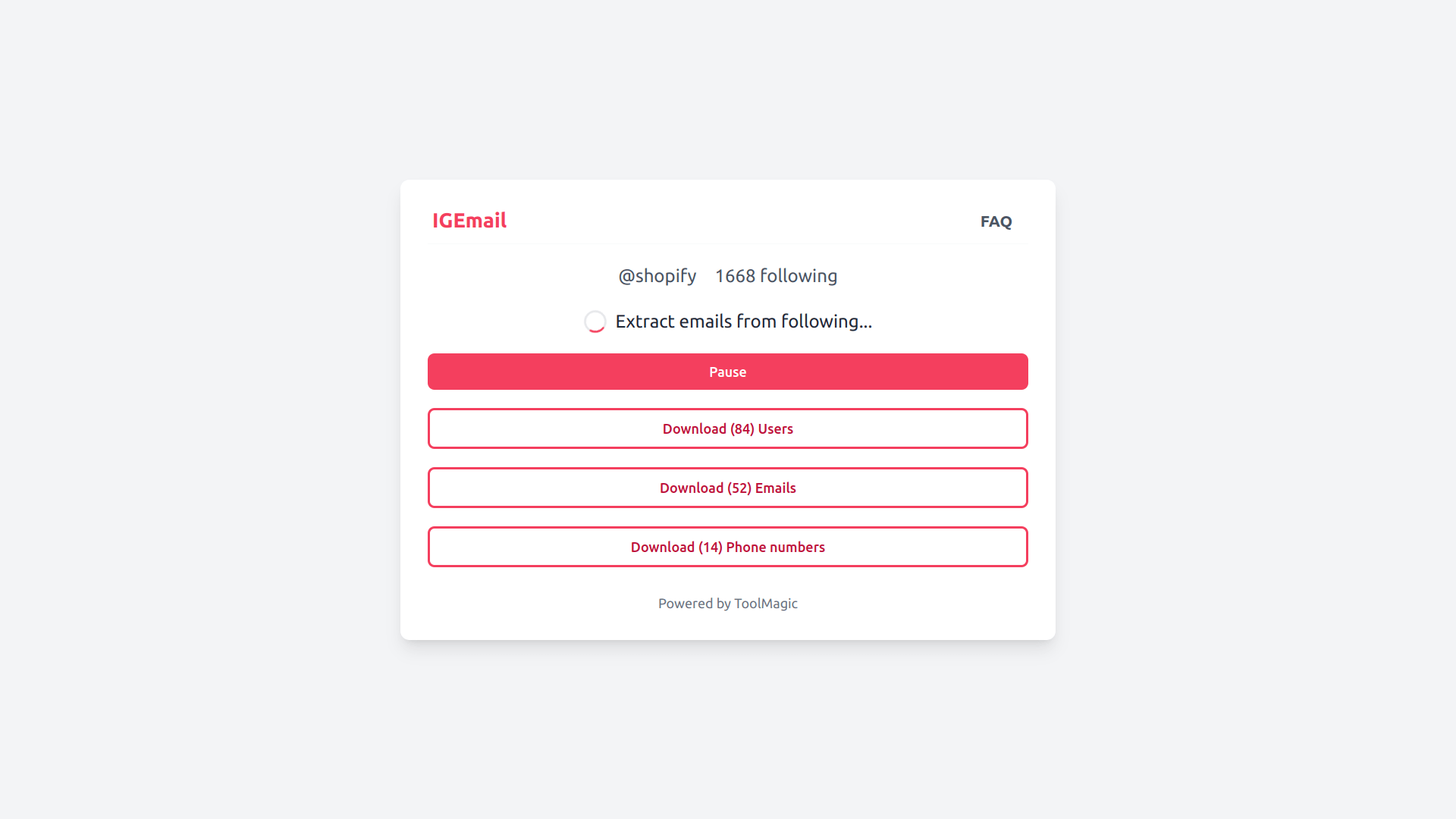
Designed for lawful, authorized use
Only export data you are permitted to access, and use exported data responsibly.
Privacy-first export
The extension runs in your browser, and exported files are downloaded directly to your computer. We do not use exported profile data for resale or third-party marketing.
Supported export fields
Available fields depend on profile visibility, access permissions, and platform availability.
| Field Name | Description |
|---|---|
| User ID | A unique identifier assigned to each Instagram user. |
| Username | The public name that an Instagram user chooses to represent themselves. |
| Full Name | The full name of an Instagram user, if provided. |
| Category | The category that an Instagram user belongs to. |
| Publicly visible email field shown by the profile, if available and accessible. | |
| Followers | The total number of followers an Instagram user has. |
| Following | The total number of users an Instagram user follows. |
| Posts | The total number of posts an Instagram user has made. |
| Is Verified | Indicates whether the Instagram account is verified or not. |
| Is Private | Indicates whether the Instagram account is private or not. |
| Is Business | Indicates whether the Instagram account is a business account or not. |
| External URL | A link that takes visitors to a website or another online destination outside of Instagram. |
| Biography | The text that an Instagram user has written about themselves. |
| User Homepage | The URL of the Instagram user's profile page. |
| Avatar URL | The URL of the Instagram user's profile picture. |
Start for free today
Sign up for a free plan and export available public profile fields responsibly.
Pricing
Start for free, stay for the value.
Free
$0
Get started for free
- Export up to 30 public contact items
- Export public contact from followers or following you are permitted to access
- Export public contact from public posts, hashtags or locations
- Resume export tasks from history
- Save as CSV / Excel
Pro
$13.9/month
Suitable for trying out
- Export available public contact items, subject to platform availability
- Export public contact from followers or following you are permitted to access
- Export public contact from public posts, hashtags or locations
- Resume export tasks from history
- Save as CSV / Excel
- Priority customer support
IEmail is intended for lawful, permission-based workflows, such as reviewing public business profile information, maintaining your own records, and conducting authorized research. Do not use IEmail to send spam, scrape private data, bypass Instagram restrictions, build data broker lists, or contact people without a lawful basis or required consent.
Frequently asked questions
Feel free to contact us if you have any other questions.
What is IEmail?
IEmail (previously IGEmail) helps you export available public Instagram profile fields, including business contact fields when shown by the profile, to CSV or Excel for lawful and authorized workflows.How to find an Instagram username, post link, hashtag or location link?
You can find the instructions here.
How to use IEmail?
To use IEmail, add the extension to your browser and create an account. Once you have signed in, select the export type, enter the corresponding link, and click the "Export" button. Available data will be exported to a CSV or Excel file, which you can then download to your computer.How to upgrade my plan?
To upgrade your plan, please note that the process currently requires manual intervention from our side. To initiate the upgrade, kindly reach out to our support team and provide them with the details of your desired plan. They will assist you in upgrading to the plan that best fits your needs.
Why does the export function stop and I receive 403, 429, or 400 error messages?
Instagram may limit or block requests when activity is too frequent or unavailable. If this happens, stop exporting and return later. Do not attempt to bypass Instagram limits, access controls, or technical restrictions. IEmail is intended only for lawful, authorized use.Can I cancel my subscription?
You can cancel your subscription at any time. You can do this from your extension's subscription page.